Exploring the Features of netmirror extension for Android Devices
Introduction
When searching for a flexible media management solution on mobile devices, many Indian Android users explore applications like the netmirror extension. This utility application is designed for individuals who want to organize and stream media across different household screens without complex setups. By reading this overview, users can evaluate whether the software aligns with their daily entertainment preferences, understand its technical compatibility, and weigh important digital safety practices before installation.
What is netmirror extension
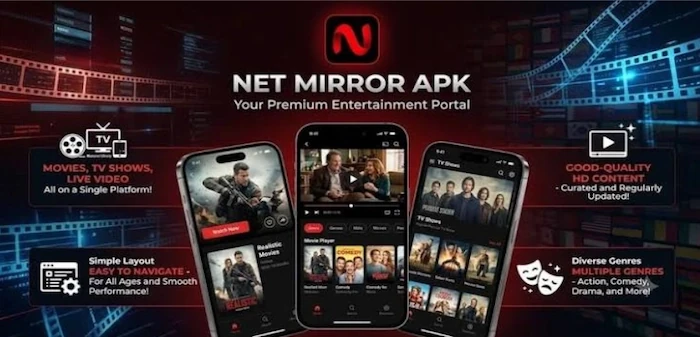
The netmirror extension Android app functions as a lightweight media utility created for daily digital use. It accommodates users who enjoy watching stored or streamed clips while traveling, during daily commutes, or while relaxing at home. The platform is designed to maintain a clean layout, ensuring that both younger family members and older users can navigate menus without encountering clutter or overly complicated settings. Even on moderately stable connections, the interface remains responsive, allowing quick transitions between different types of media categories.
Regarding its catalog, this page could not verify that the app holds licences for the content it offers. Users should note that content availability can vary significantly depending on regional regulations and individual setup configurations. Because proper authorization details from official distributors are not explicitly confirmed, caution is advised when accessing third-party video catalogs in India.
Key Features
Live Media Support
The netmirror extension Android app incorporates a straightforward live media guide that enables quick channel switching. Users can view mini timelines to review previous moments before jumping back to live broadcasts. Pinning favorite channels allows for faster access during busy evening viewing sessions.
On-Demand Media Discovery
Browsing through available titles is simplified through clear categorization based on mood, duration, or language. Users can save preferred titles for weekend viewing, resume playback from previous stopping points, and utilize smart search tools that adapt to viewing patterns over time.
Adaptive Playback Engine
The built-in adaptive playback feature helps maintain visual continuity when network bandwidth fluctuates. Instead of constant buffering, the system quietly adjusts streaming resolution to trade slight clarity for steady motion during peak traffic hours on shared Wi-Fi networks.
Multi-Device Synchronization
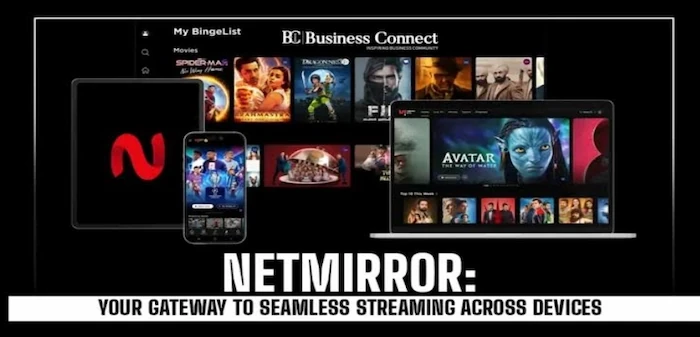
Users can initiate a viewing session on an Android smartphone and seamlessly resume on a compatible smart television or streaming stick. Profiles, subtitle preferences, and audio configurations synchronize across connected screens to maintain continuity without manual searching.
Data-Saver Controls
For users operating on limited mobile data allowances, integrated data-saver controls permit quick resolution adjustments. Lowering quality during commutes preserves data, while automatic toggles restore higher definition once the device connects to stable home Wi-Fi networks.
Subtitles and Audio Customization
Subtitle tracks are accessible with minimal taps, and the player remembers previous language selections for late-night viewing comfort. Audio tracks can also be adjusted to prioritize clear dialogue over background sound effects in shared environments.
What You Can Watch
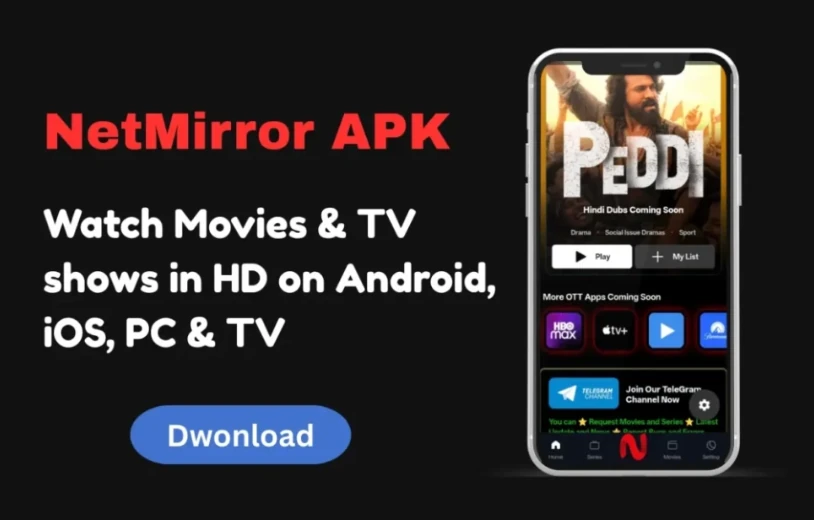
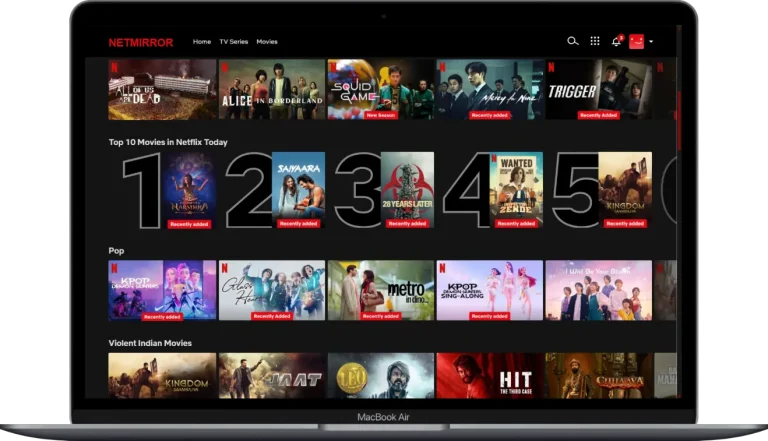
The application presents various entertainment categories, encompassing popular regional genres and language options suited for Indian audiences. Viewers frequently search for titles in Hindi, Tamil, Telugu, and other regional Indian languages, ranging from mainstream Bollywood productions to South Indian cinema and episodic web series. However, users must remember that the presence of specific titles is not guaranteed, and the platform's content library is subject to regional licensing agreements. This section strictly describes general media categories rather than specific copyrighted titles or newly released theatrical films.
Device Compatibility
The netmirror extension device compatibility spans multiple hardware formats commonly found in modern households:
- Android smartphones and tablets favoring touch navigation
- Android TV interfaces optimized for remote-controlled living room setups
- Amazon Fire TV Stick devices utilizing compact D-pad controls
- Personal computers via compatible Android emulators
netmirror extension vs Licensed OTT Platforms
| Feature | netmirror extension | Licensed Indian OTT Platforms |
|---|---|---|
| Content Authorization | Not confirmed | Fully licensed and verified |
| Subscription Cost | Typically advertised as free | Paid tiers or ad-supported legal models |
| Video Quality | Adaptive based on connection | Up to 4K HDR with official support |
| Advertising | Varies by build | Managed commercial breaks or ad-free premium |
| Customer Support | Not provided | Official help desks and ticketing systems |
| Update Source | Third-party APK repositories | Official Google Play Store / App Store |
Pros and Cons
| Pros | Cons |
|---|---|
| Simple and lightweight interface | Source authorization cannot be verified |
| Cross-device session synchronization | Risks associated with sideloading APK files |
| Adaptive playback for varying network speeds | Potential stability and buffering issues |
| Built-in data-saver controls | Lack of official developer customer support |
Safety and Legal Considerations
Downloading and installing applications from unknown sources via APK files carries inherent digital security risks. Unlike applications distributed through official app marketplaces, sideloaded software may lack rigorous security vetting. Users face potential exposure to malware, excessive permission requests that compromise personal privacy, and a lack of automatic security updates. Furthermore, this page could not verify that the app holds licences for the content it offers, meaning users must remain aware of copyright compliance laws in India.
Before installing any unverified file on an Android device, users should perform standard safety checks. Verify the publisher identity, inspect requested app permissions to ensure they align strictly with video playback needs, and run an active scan using built-in security utilities like Google Play Protect. Respecting local intellectual property laws and utilizing verified distribution channels protects both personal data security and device integrity.
Before You Install
Because official distribution and clear licensing documentation cannot be fully established, users should carefully review the following checklist before interacting with third-party installation files:
- Confirm whether the application is available through official channels such as the Google Play Store.
- Inspect all requested system permissions to avoid granting unnecessary access to personal data.
- Evaluate the legal standing of streaming platforms operating within your specific region.
- Consider exploring fully licensed domestic and international streaming services available in India.
Common Problems
Users streaming media through third-party applications occasionally encounter technical hurdles. Below are standard troubleshooting steps for common playback difficulties:
- Video Buffering: Verify internet connection stability, close background network-heavy applications, and switch to a 5GHz Wi-Fi frequency if available.
- Audio Desync: Toggle audio tracks within the player menu, clear the application cache through device settings, and restart the specific media title.
- Casting Failures: Ensure both the mobile device and the receiving smart display are connected to the exact same local Wi-Fi network before initiating casting.
Licensed Alternatives
For viewers seeking secure, authorized entertainment options with verified content catalogs, several licensed streaming services operate across India:
- Netflix: A global subscription platform offering a wide array of original films, international series, and regional Indian content. Ideal for households seeking high-definition ad-free viewing.
- Amazon Prime Video: Features an extensive library of Bollywood, regional cinema, and exclusive web series bundled with shopping benefits. Suitable for diverse family entertainment needs.
- JioHotstar: A major streaming destination in India providing live sports, cricket tournaments, blockbuster movies, and television serials. Great for sports enthusiasts and family drama fans.
- SonyLIV: Known for live sports broadcasting, original thriller series, and a vast collection of regional movies. Recommended for viewers looking for diverse television programming.
FAQ
Is netmirror extension safe to install on Android?
Installing unverified APK files from external sources always carries potential risks, including malware exposure and privacy concerns. This page cannot guarantee the safety of third-party software downloads, and users should exercise caution by scanning files before installation.
Does netmirror extension hold legal content licenses?
This page could not verify that the app holds licences for the content it offers. Users are advised to review local copyright regulations and consider officially licensed streaming alternatives in India.
Why is the video buffering during playback?
Buffering typically occurs due to unstable internet connections or network congestion. Switching to a 5GHz Wi-Fi network, closing background applications, or lowering streaming resolution can help improve playback stability.
Can I use netmirror extension on a smart television?
The application is designed to support Android-powered TVs and compatible streaming sticks like Fire TV, allowing users to navigate media libraries using standard remote controls.
How do I update the netmirror extension app?
Because the software is generally distributed outside official app stores, updates typically require manually checking the original download source for newer build files and verifying version numbers in device settings.
Conclusion
The netmirror extension Android app presents a lightweight interface for media management and streaming across multiple household screens. However, due to unverified content licensing and the inherent risks of sideloading third-party APK files, users must carefully evaluate safety and legal factors. While the netmirror extension features adaptive playback and multi-device synchronization, exploring official, licensed streaming platforms remains the most secure and reliable choice for Indian Android users seeking uninterrupted entertainment.